Create Class Diagram in 6 Simple Steps

A class diagram is an important UML artifact in object-oriented programming & describes the structure of system under design along with relationships among other classes.
Step 1 – Download UML Modeling Tool
There are various open-source or free UML modeling tools available. We have used ArguUML, which supports UML version 1.4 (don’t worry about UML Version – Class diagrams have been supported for a very long time).
Link to download: http://argouml.tigris.org/
Step 2 – Model Classes for Class Diagram
You can simply use whiteboard or paper to write down list of classes (or domain objects).
For example,
We have taken an example of Payment module (a simplified example with few classes):
- Customer
- Card
- Credit Card
- Debit Card
Step 3 – Create UML project in ArgoUML
Create a New Project in ArgoUML & click on “Class Diagram” in the left-navigation (perspective pane):
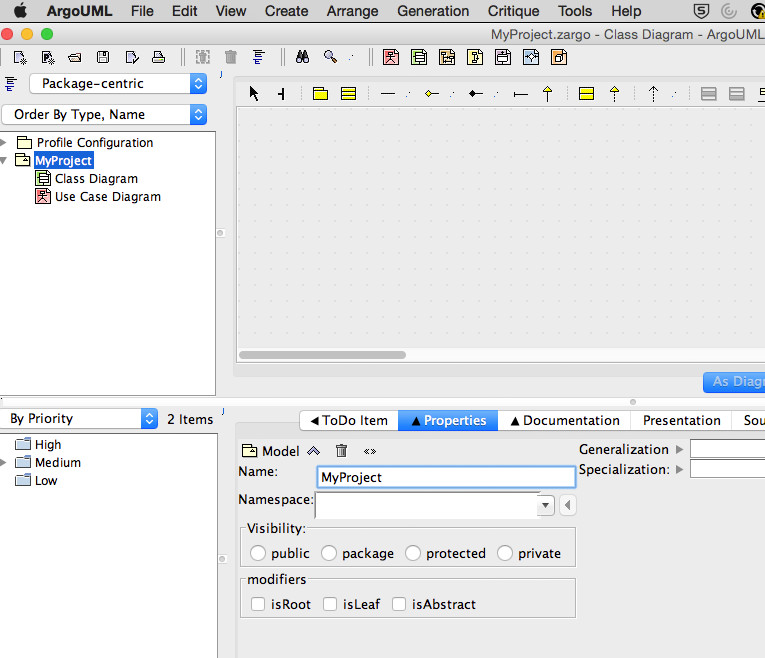
Class Diagram – Project
Step 4 – Put your Class Model on Class Diagram
- Click on “New Class” from tools palette
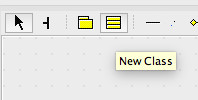
New Class
- Double-click on Title of Class artifact & provide name for the class. Repeat it for all 4 classes.
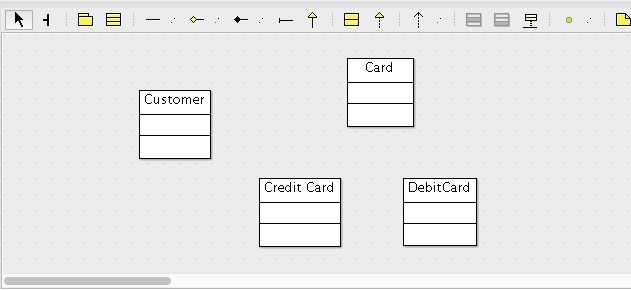
Class Diagram – Classes
Step 5 – Add Class Attributes & Methods
- Double-click on Customer class (attribute section – middle of Class) to add attribute.
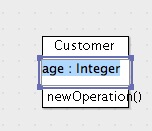
Class – New Attribute
- Repeat the process to add attributes for remaining classes:
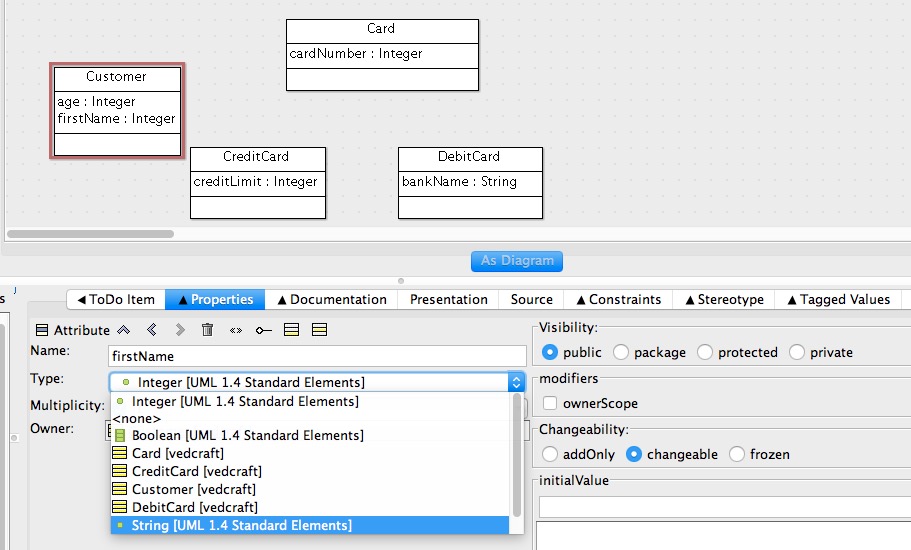
Class Diagram – All Attributes
- Add all methods respective to the classes by clicking in Method Section of Class
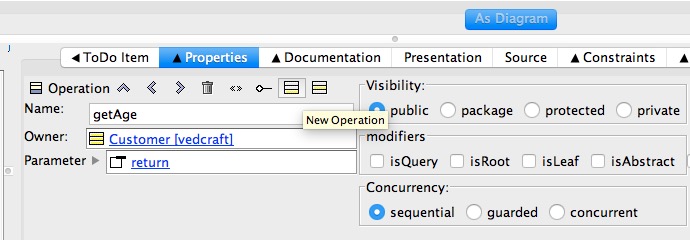
Class Diagram – Add Method
- Repeat this process for all classes:
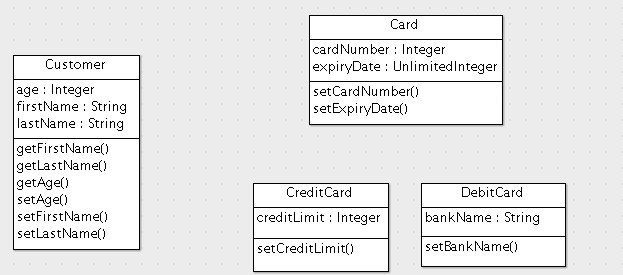
Class Diagram – All Methods
Step 6 – Draw relationships between Classes
- Customer class has “association” relationship with Card Class, which indicates that they are linked:
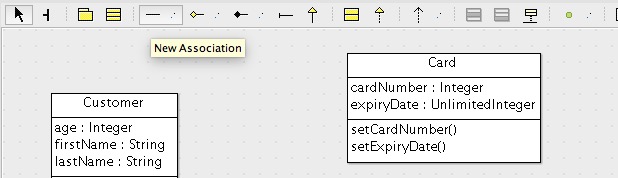
Association Tool
- Drag and drop association relationship between Customer & Card classes:
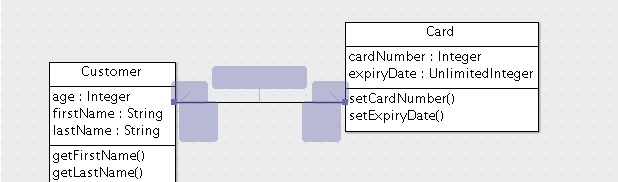
Class Diagram – Association
- Add a Generalization relationship between Card, DebitCard & CreditCard classes. Generalization relationship indicates that Card is superclass for DebitCard & CreditCard classes.
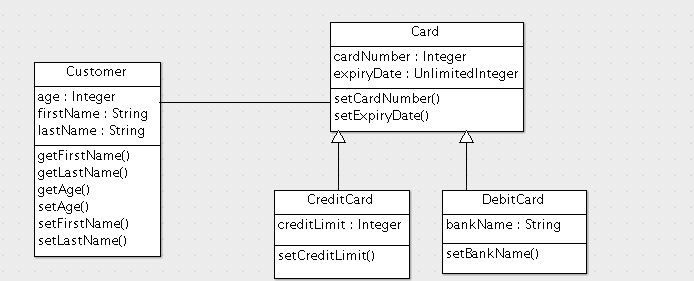
Class Diagram – Generalization
This concludes basics of Class Diagram creation using UML editor like ArgoUML. This can easily be converted into any object-oriented programming language like Java using tools.
As software architect, you need to produce design models like class diagram, which communicates design of system under consideration to developers.